1.2. Skids 倒计时实例讲解
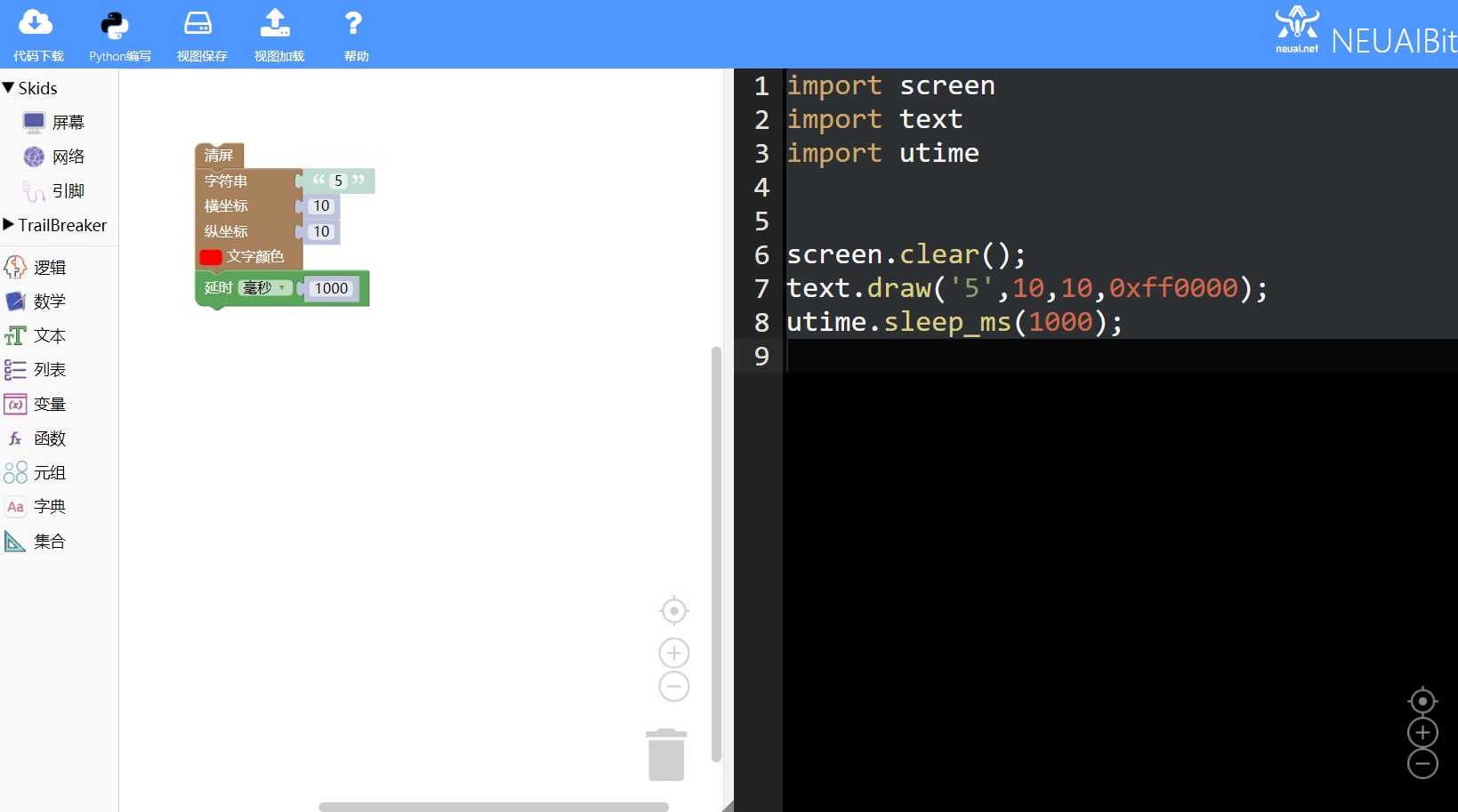
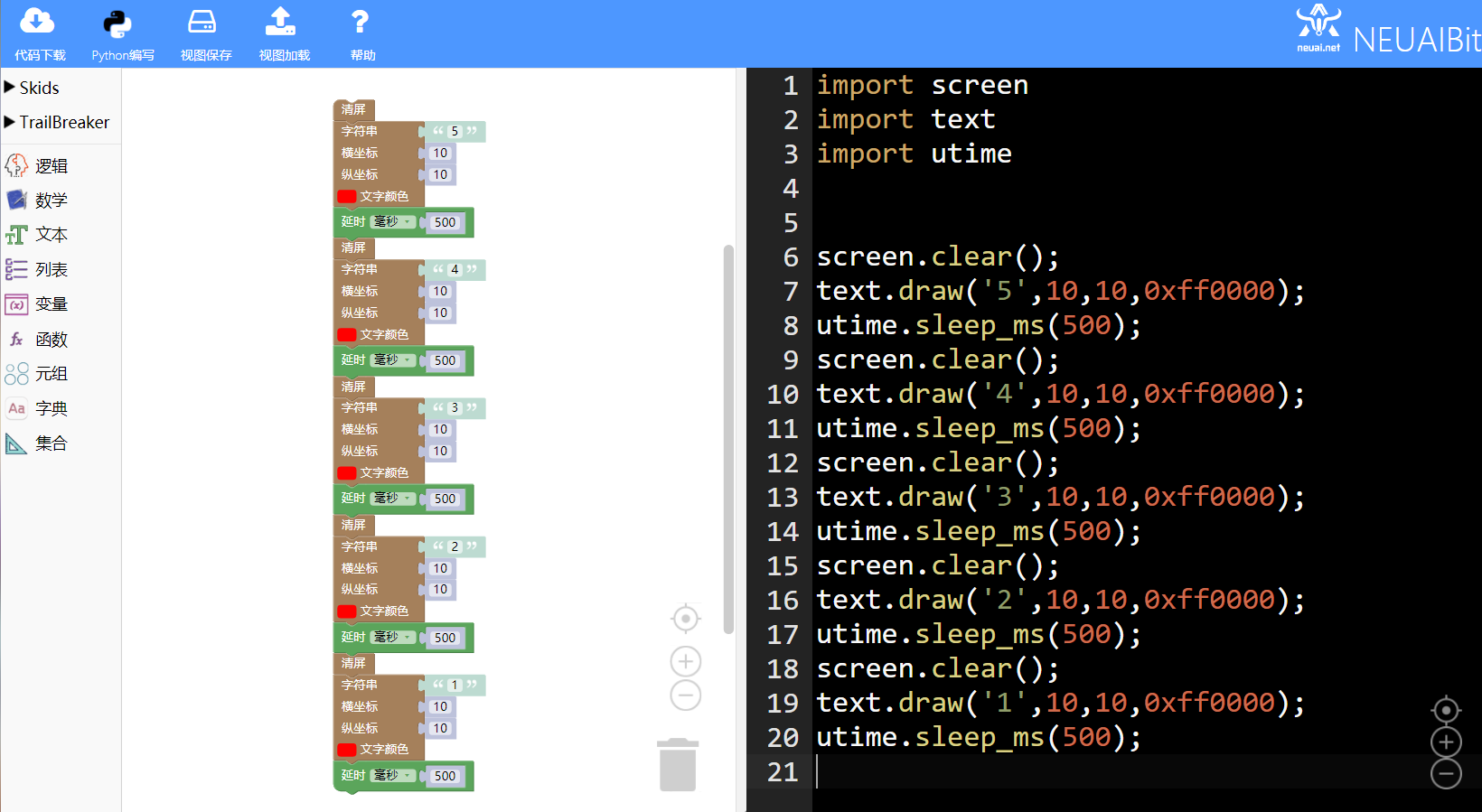
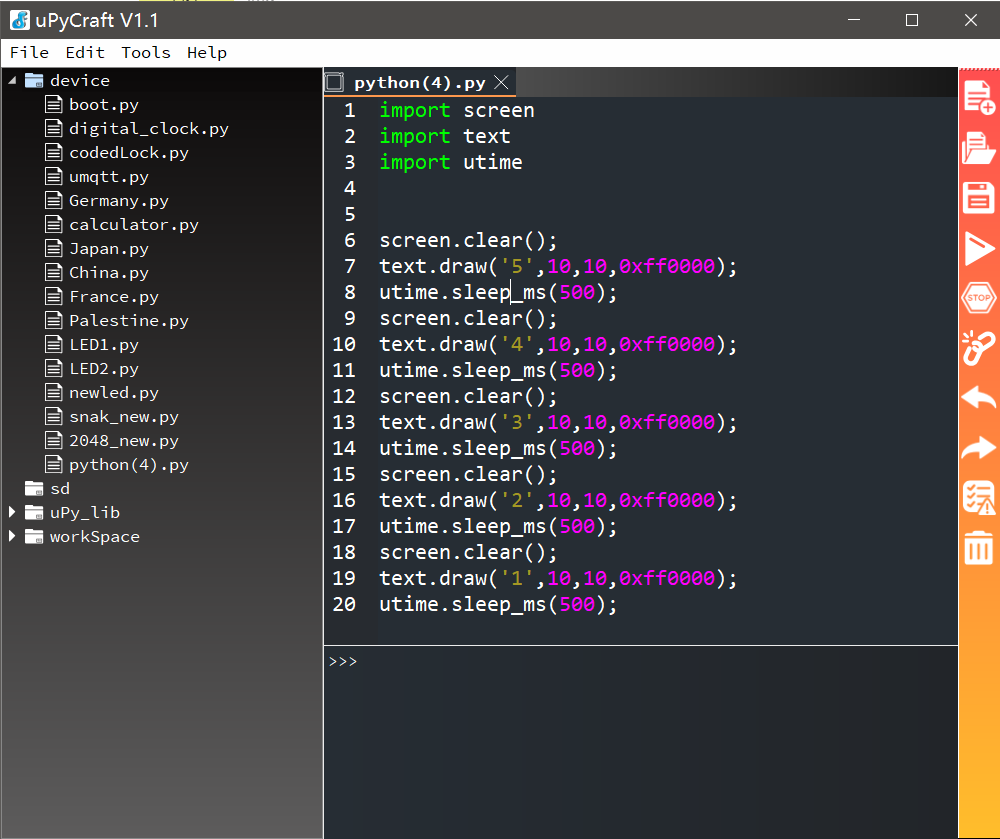
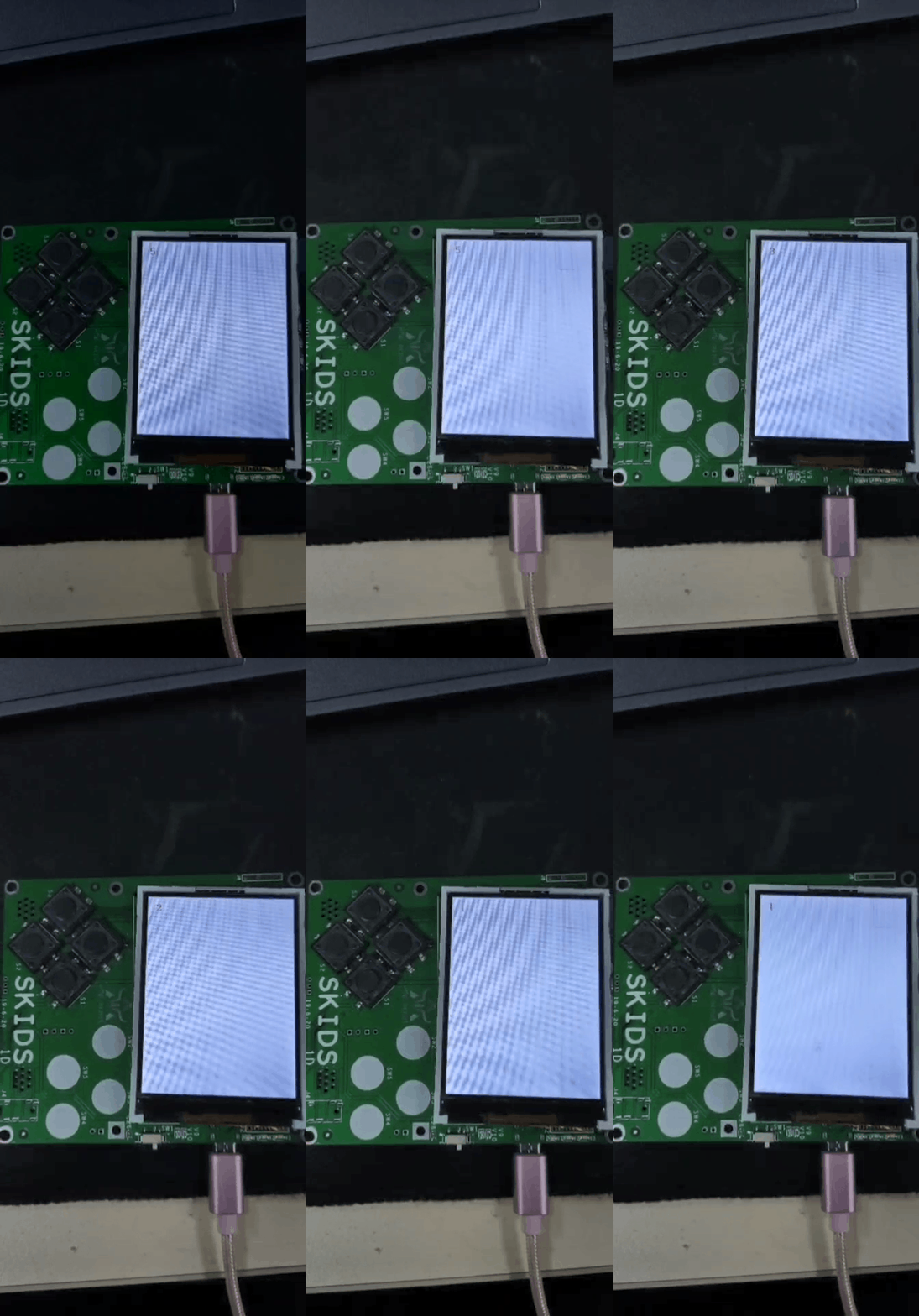
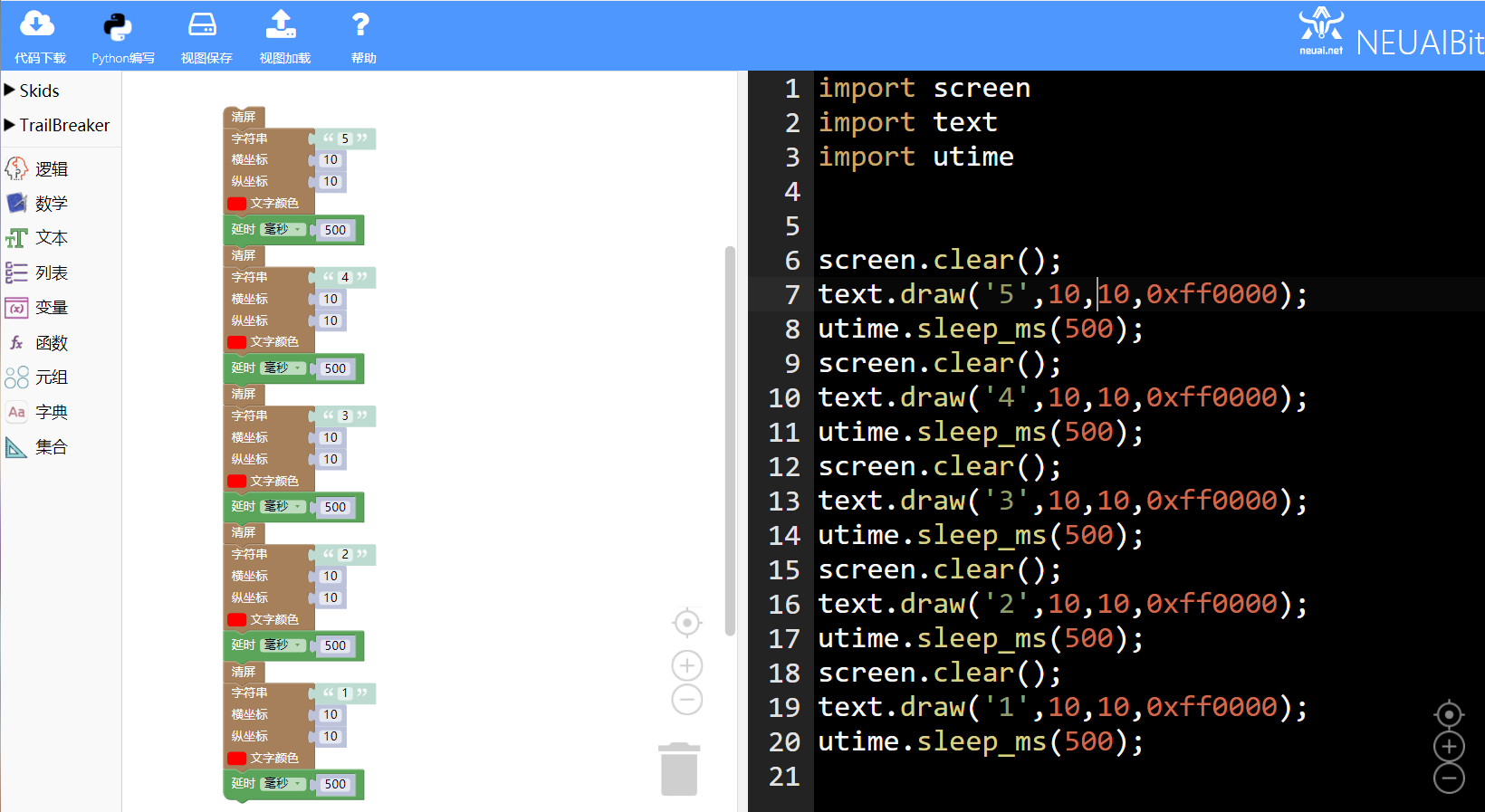
- 如下图显示倒计时实例的最终程序
1.2.1. 本章可以学到什么
- 知识点
- 积木块的基本操作
- 如何使用延时积木块
- 如何使用清屏积木块
- 编程的思路
- 如何显示倒计时
1.2.2. 使用到的积木块列表
- 文字功能块
|
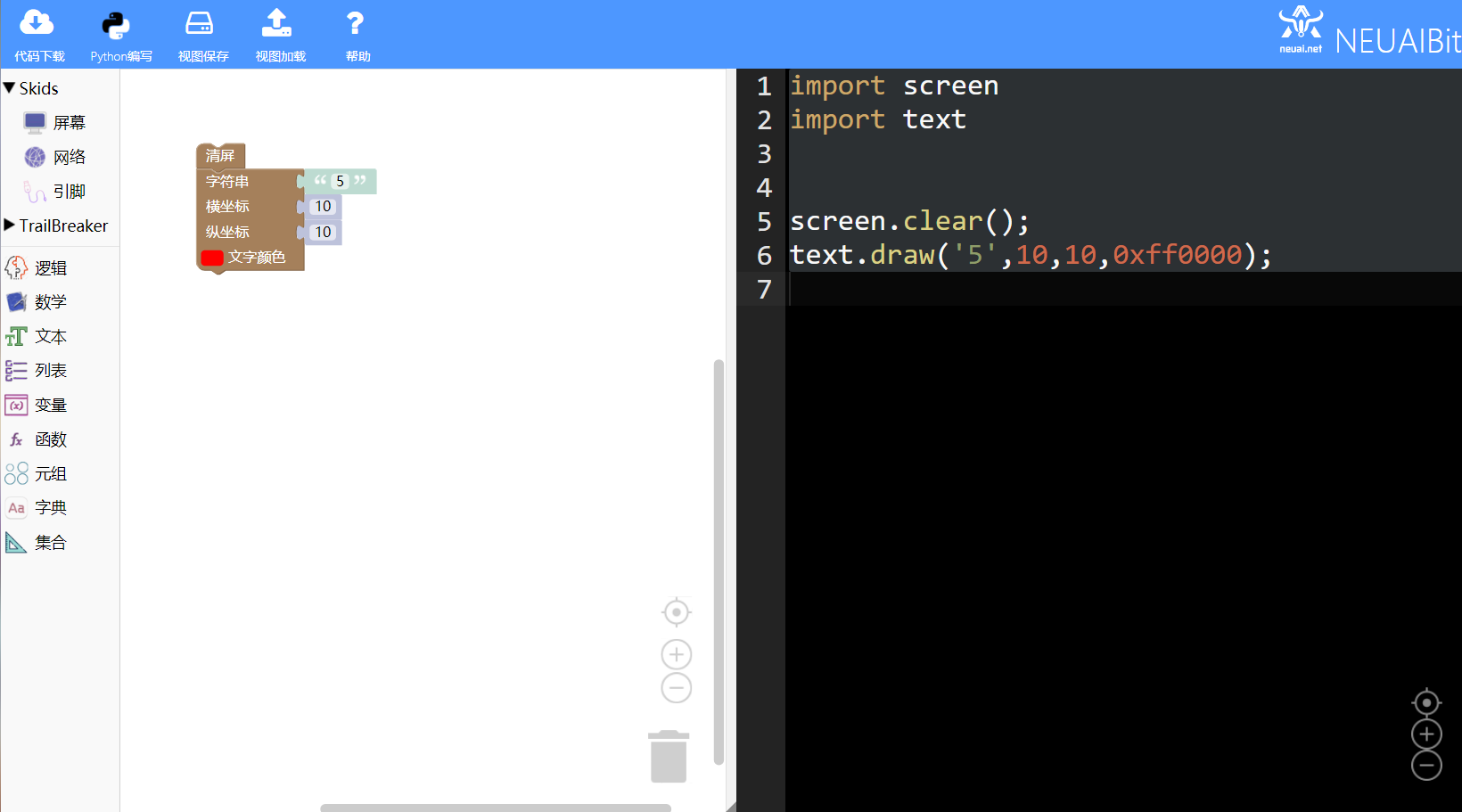
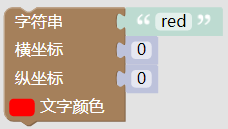
在屏幕上输出文字,不绘制文字背景。 参数依次为:待输出的字符串、横坐标、纵坐标、文字颜色 代码:text.draw(‘red’,0,0,0xff0000) |
- 屏幕功能块

|
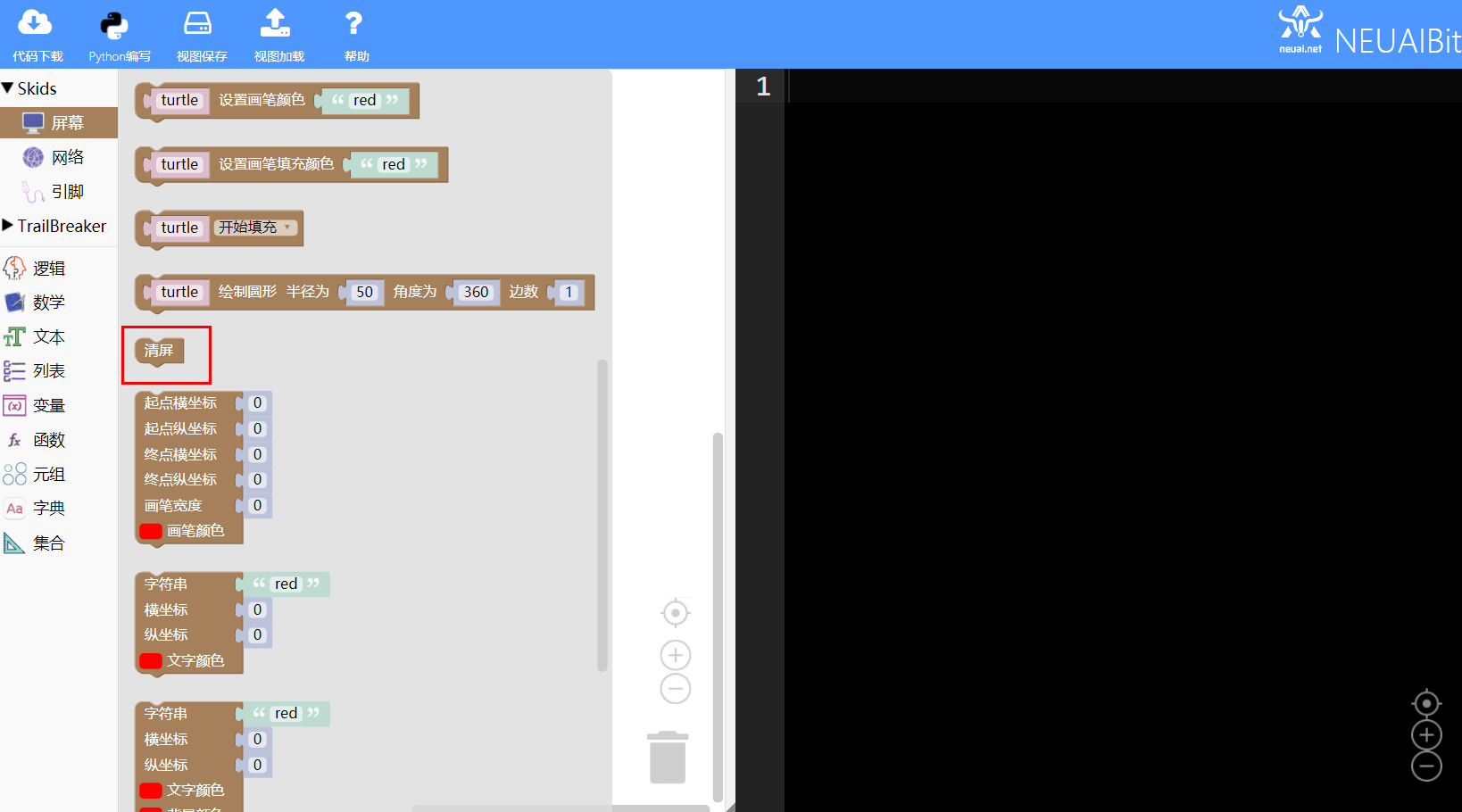
清屏 代码:screen.clear() |
- 逻辑功能块
|
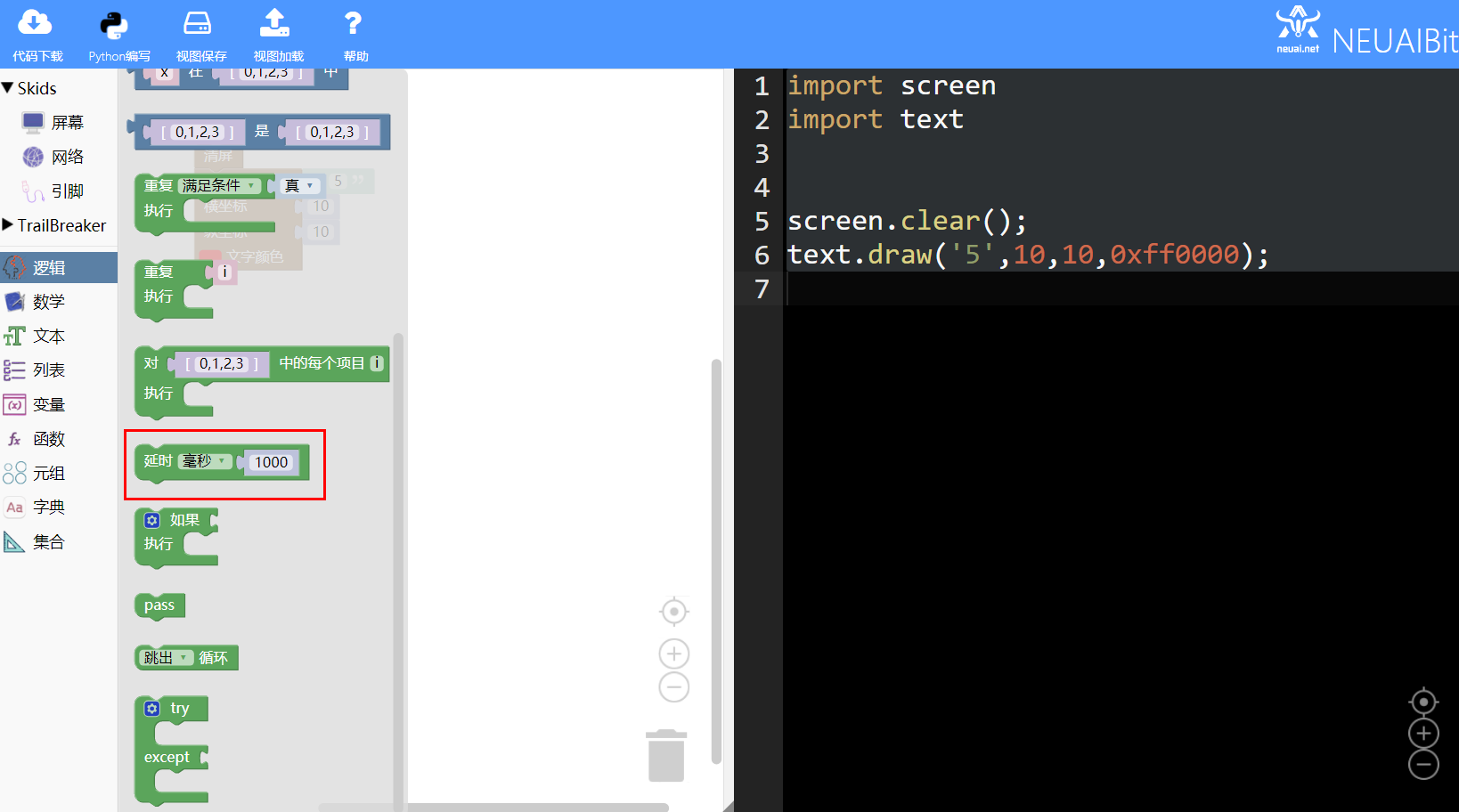
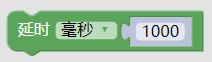
延时 代码:utime.sleep_ms(1000); |
1.2.3. 实现思路
确定显示文字的颜色和坐标,首先清屏,清除屏幕中原来的内容,使用文字积木块显示文字,延时一定的时间后,清屏,在同一个位置显示后面的内容。