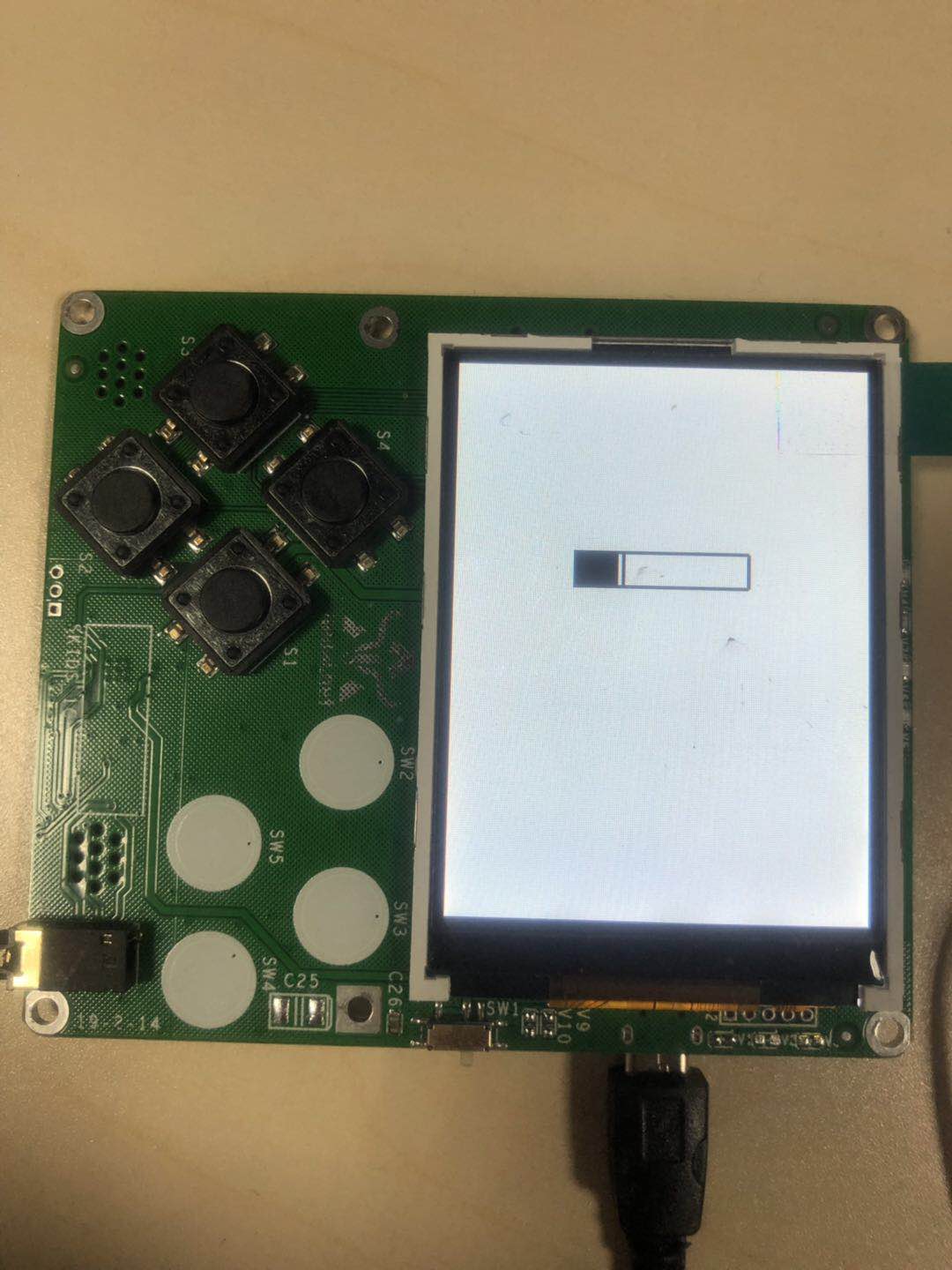
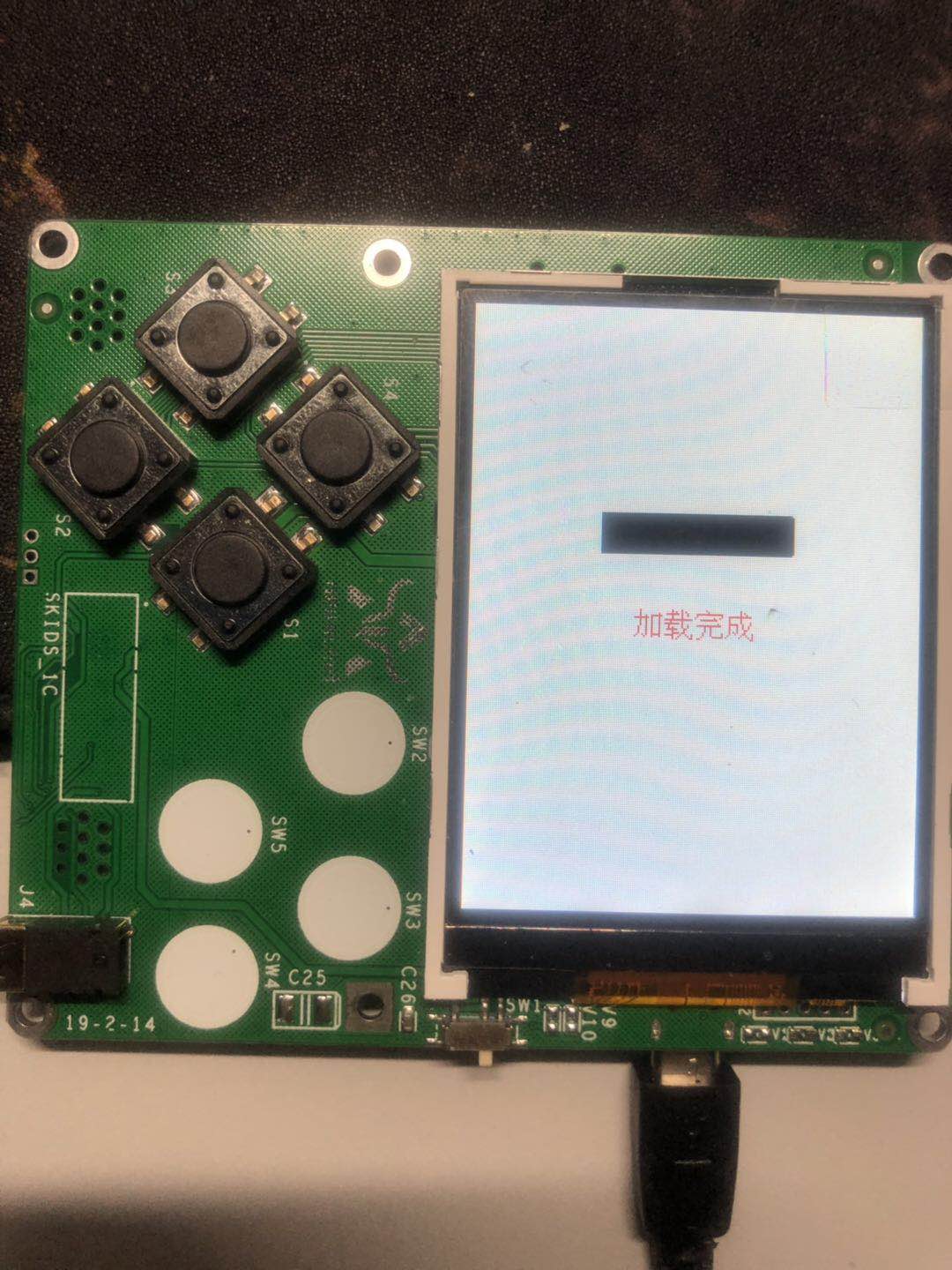
12. 模拟进度条设计与实现
12.1. 设计思路
- 进度条范围:利用screen画图,画出窄长矩形。
- 加载过程:利用定时器,逐部分填充进度条。
- 加载完成:利用text模块显示加载完成字样。
12.2. 代码实现
导入text,screen,Timer库:
from machine import Timer
import text
import screen
import time
初始化prog类,在初始化函数中清屏,并画出进度条外框
class prog():
        def __init__(self):
                screen.clear()
                self.x=61
                self.quit_flag = False
                self.timer= Timer(-1)
                screen.drawline(60, 100, 180, 100, 1, 0x000000)
                screen.drawline(60, 130, 180, 130, 1, 0x000000)
                screen.drawline(60, 100, 60, 130, 1, 0x000000)
                screen.drawline(180, 100, 180, 130, 1, 0x000000)
填充进度条函数
def rect(self,z):
        screen.drawline(self.x, 100, self.x, 130, 1, 0x000000)
        self.x+=1
        if self.x==180:
                self.timer.deinit()
                text.draw("加载完成",88,160,0xff0000)
                self.quit_flag = True;
利用Timer定时更新填充
def progress(self):
        self.timer.init(mode=Timer.PERIODIC, period=1000,callback=self.rect)
        while not self.quit_flag:
                time.sleep_ms(50)
主函数初始化prog类,调用progress
if __name__ == '__main__':
        pr = prog()
        pr.progress()